

Freeing Developers from the "Prompt Engineering" Burden.
Back
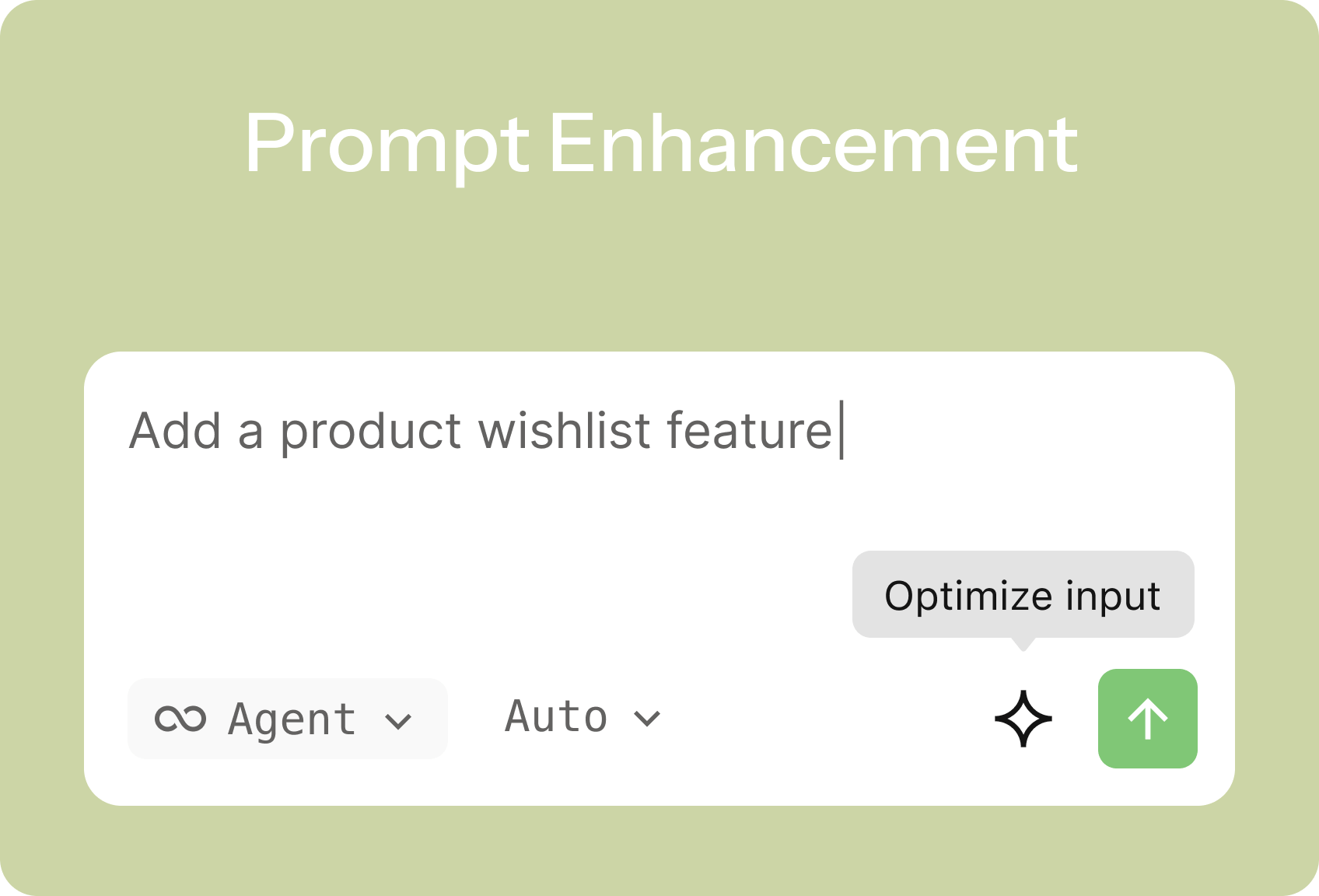 In the age of Agentic Coding, developers often face a fundamental challenge: to receive a top-tier answer, you first need a top-tier question. For developers, this means spending significant effort composing and refining prompts for AI. A vague instruction like “Help me write a function” might yield overly simplistic; whereas a detailed, well-structured prompt can unlock robust, production-ready solutions.
Now, Qoder has eliminated this final barrier to developer productivity. The Qoder platform introduces the “One-click Enhancement for Prompts” feature, liberating every developer from the burden of prompt engineering and making Agentic Coding easier and more powerful than ever before.
Have you experienced one of these scenarios?
Qoder’s “One-click Enhancement for Prompts” is a built-in prompt optimization feature. Simply click the “Enhance” button, and Qoder’s backend models instantly interpret and reconstruct your original intent into a structured, precise prompt.
This goes far beyond simple rewriting or synonym expansion. It intelligently upgrades your prompts across several dimensions:
Your initial prompt is:
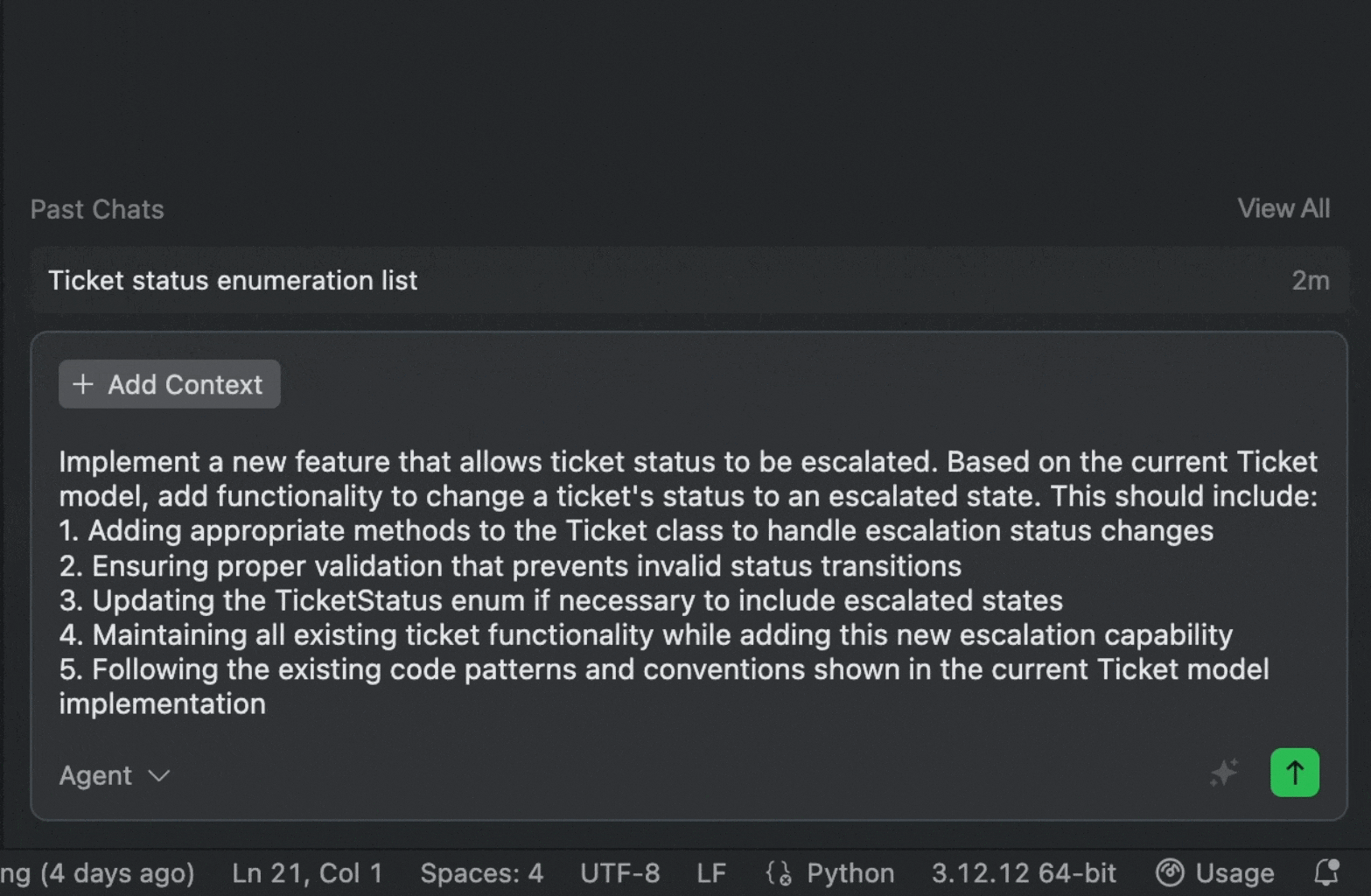 In comparison, the enhanced prompt reads like a complete task specification written by an experienced developer. From this, Qoder Agent can generate ready-to-use, production-grade code.
With “One-click Enhancement for Prompts,” developers can communicate with AI more effectively. Tool evolution should not increase user burden; instead, it should leverage intelligence to remove friction and empower creativity.
The Pain Point: When Your Ideas Outpace Your Words
Have you experienced one of these scenarios?
- Sudden Inspiration, Difficult Expression: You have a complex requirement in mind, but struggle to break it down into steps that the AI can understand.
- Because the prompt words entered are too simple or not clear enough, the code generated by AI does not meet expectations, leading to repeated trial and error.
- Knowledge Gaps, Limited Imagination: Uncertain about best practices or secure implementation for a feature, your initial prompts may be flawed or incomplete.
Solution: One-click Enhancement for Prompts
Qoder’s “One-click Enhancement for Prompts” is a built-in prompt optimization feature. Simply click the “Enhance” button, and Qoder’s backend models instantly interpret and reconstruct your original intent into a structured, precise prompt.
This goes far beyond simple rewriting or synonym expansion. It intelligently upgrades your prompts across several dimensions:
- Clarifying Requirements: Automatically identifies vague instructions and translates them into actionable, detailed tasks.
Example: Enhancing “Do a sort” to “Write a Python function implementing quicksort for a list of integers, with comprehensive comments, and handling empty lists or duplicates.” - Contextual Awareness: Leverages current project structure, conversation history, and relevant context as additional input, making the enhanced prompts highly tailored.
- Comprehensive /Constraints: Fills in commonly overlooked key constraints such as performance considerations, edge cases, error handling, security (e.g., SQL injection prevention), and coding standards (e.g., PEP8).
- Structured Output: Organizes the enhanced prompt into clear sections like “Objective”, “Inputs/Outputs”, “Constraints”, “Reference Examples”, enabling the AI to parse and execute requests with greater precision.
Demo: Transforming from “Novice” to “Expert” Instantly
Your initial prompt is:
Add a new feature: ticket status can be changed to escalateWith a single click on “Enhance”, Qoder generates:
[Enhanced Prompt]
Implement a new feature that allows ticket status to be escalated. Based on the current Ticket model, add functionality to change a ticket's status to an escalated state. This should include:
- Adding appropriate methods to the Ticket class to handle escalation status changes
- Ensuring proper validation that prevents invalid status transitions
- Updating the TicketStatus enum if necessary to include escalated states
- Maintaining all existing ticket functionality while adding this new escalation capability
- Following the existing code patterns and conventions shown in the current Ticket model implementation
Tip: Not satisfied with the enhanced prompt? You can easily revert and re-optimize from the bottom-right corner.
Try It Now
With “One-click Enhancement for Prompts,” developers can communicate with AI more effectively. Tool evolution should not increase user burden; instead, it should leverage intelligence to remove friction and empower creativity.
- Significantly Boost Productivity: Save time spent on refining prompts, allowing you to focus on core logic and architecture.
- Lower the Learning Curve: Whether you’re a beginner or a seasoned expert, this feature helps you unlock AI’s full potential for higher-quality code.
- Learn Best Practices: By observing enhanced prompts, you can quickly learn how to clearly translate complex requirements for AI, improving your technical specification and communication skills.